WhatsApp automation

We get enquiries on WhatsApp. Keeping up is the hard part.

YagOps sets up WhatsApp automation for your business, so customers get timely replies and your team knows who needs a follow-up. We connect it to your website and CRM, then hand it over or keep managing it for you.

Talk through my WhatsApp setup
Website enquiry received
Business WhatsAppAutomated assistant
Today
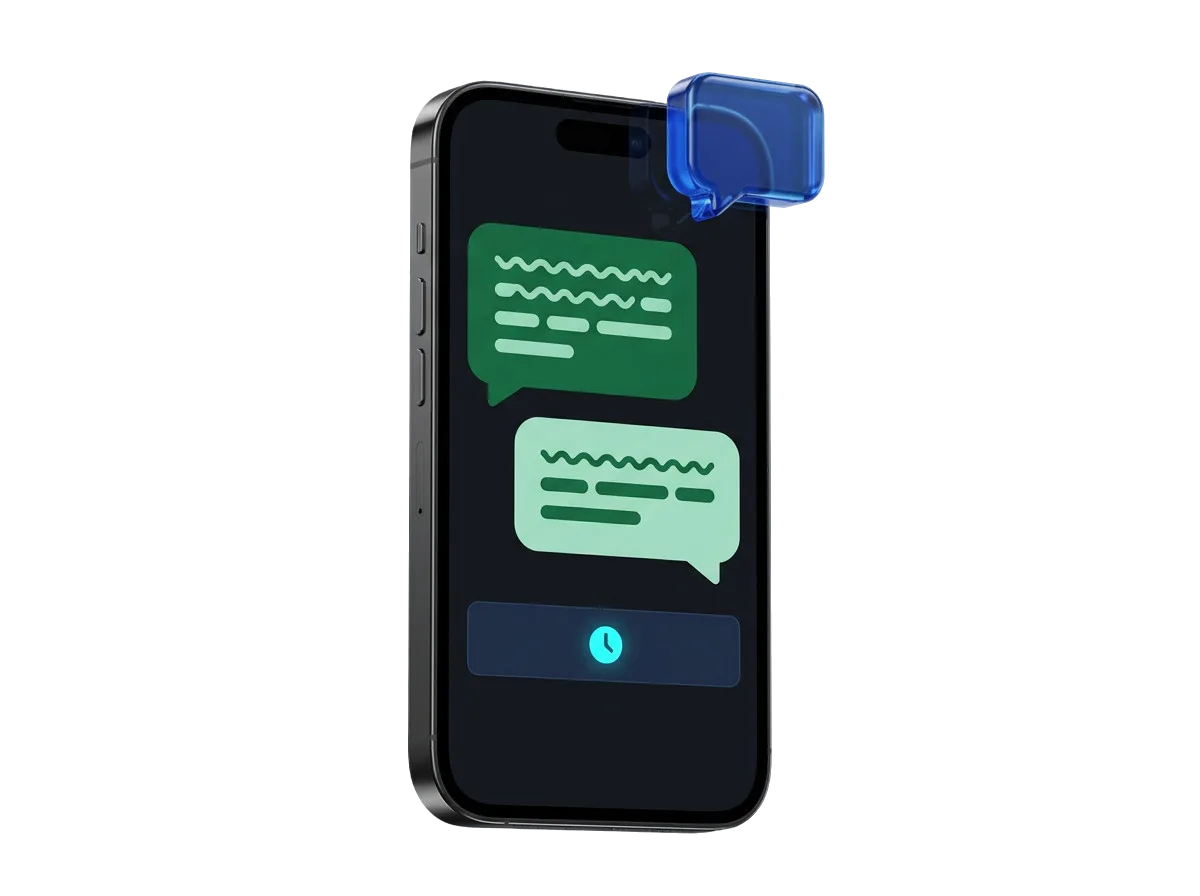
CustomerCan you send me the brochure?10:42
Automatic replyHere’s the brochure you asked for.10:42
Message
Sales can follow upEnquiry and reply saved to the lead record.

SOUND FAMILIAR?

Where do enquiries get stuck?

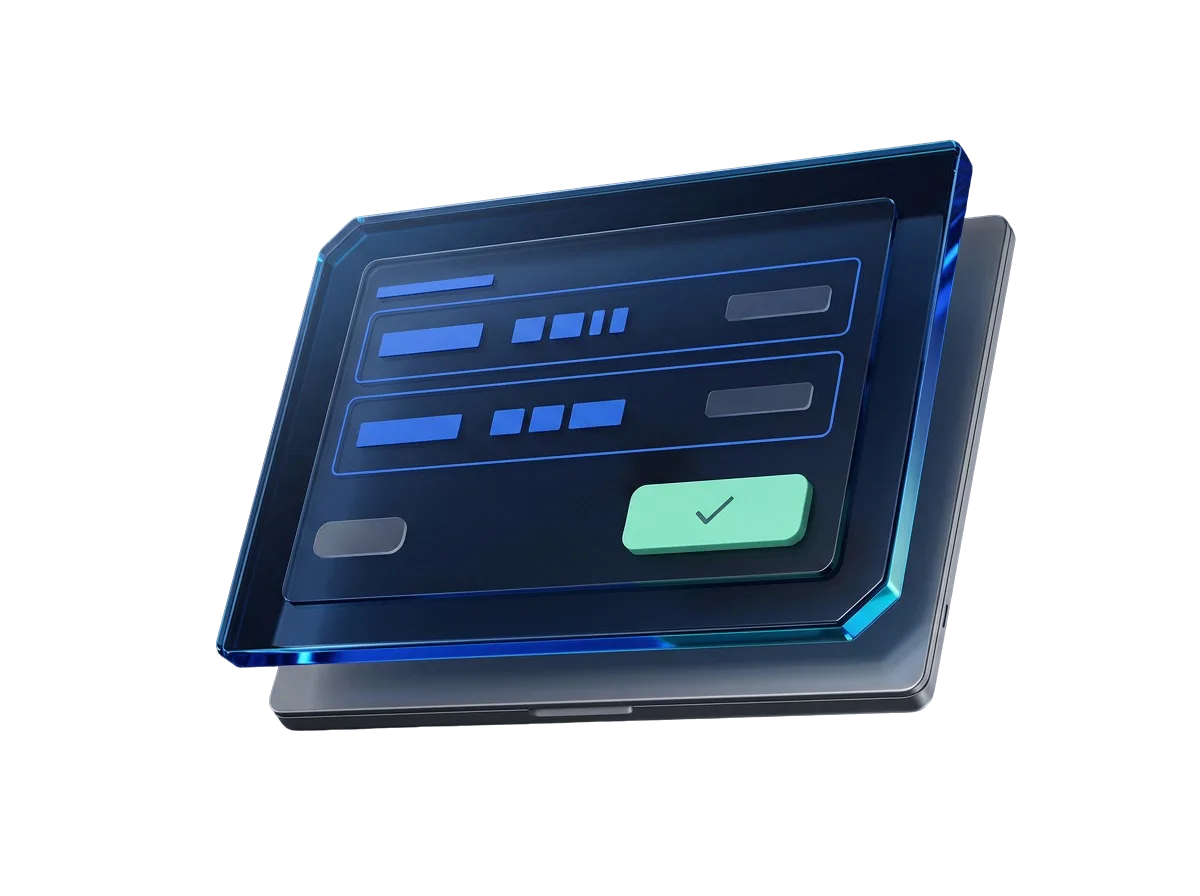
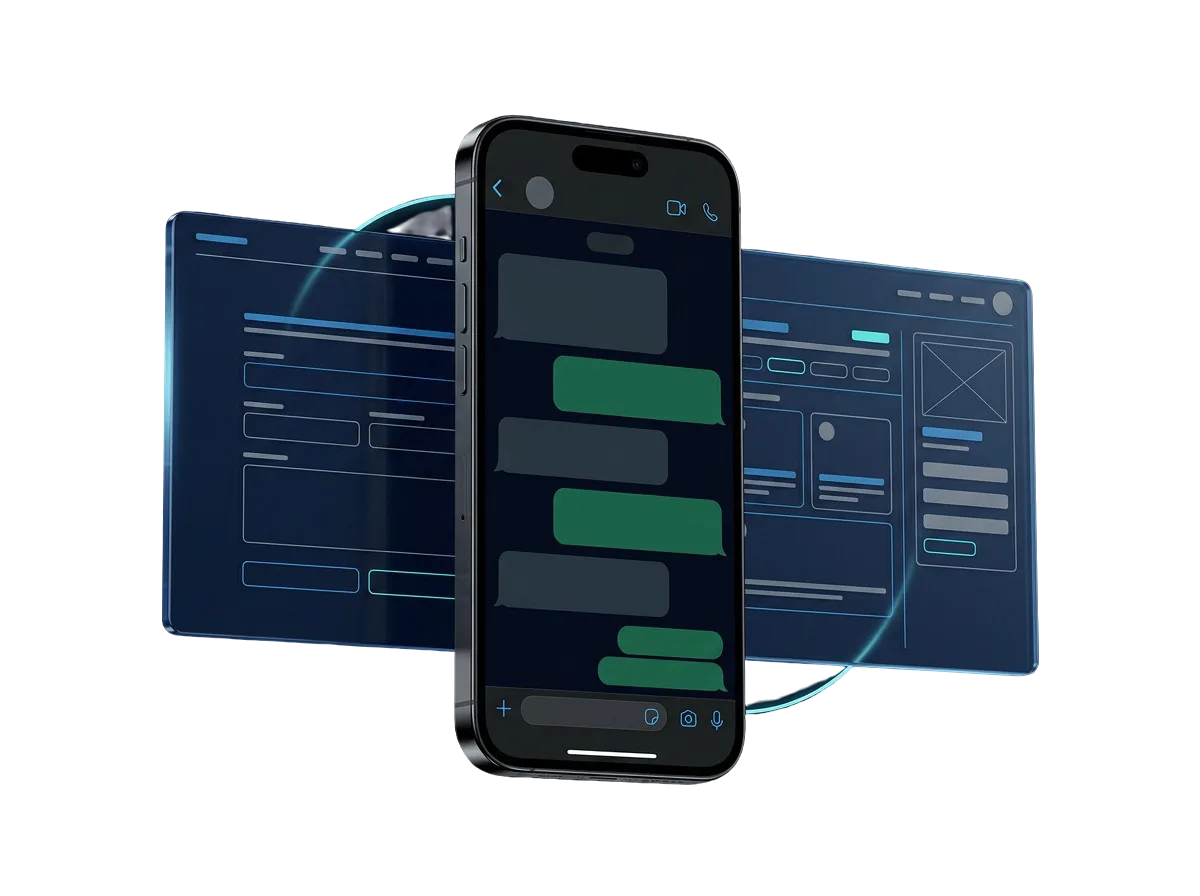
Automation specialist working at a desk Replies Product mockup showing a website form, CRM and WhatsApp connected

We have WhatsApp, but replies still depend on someone being free.

We set up the first reply and share the right brochure or details when an enquiry comes in.

Business owner reading an enquiry on his phone Follow-ups Product mockup of a scheduled WhatsApp follow-up

We send a quote, then forget who needs a follow-up.

We set reminders around the lead’s status and stop them when the customer replies or the sale is closed.

Business owner reviewing a change on her laptop Setup Product mockup showing a proposed change ready for approval

We have the tool. Who will set all this up?

YagOps connects your WhatsApp, website and lead records, tests the workflows, and shows your team how to run them.

CONNECTED AUTOMATION

What happens on your website can trigger a WhatsApp follow-up

YagOps connects live website events, form submissions and CRM updates to WhatsApp. We use the signals you choose to decide when to follow up and when to stop. Messages go to eligible contacts who have given permission.

Y
YAGOPS
Hi Rahul, would you like help choosing a plan? We can explain what’s included or arrange a quick call.
Yes, a quick call would help.

A contact returns to check pricing

Pricing page revisited Contact already known WhatsApp opt-in recorded
YAGOPS AI

If an opted-in contact revisits pricing and their enquiry is still open, send the approved follow-up. Skip anyone who has booked or opted out.

Reply recorded · Lead updated · Sales can follow up

WHAT WE CAN SET UP

What can you put on autopilot?

Abstract speech bubbles, lightning bolt and contact card representing an instant reply to a new enquiry

Send the right brochure

A training enquiry comes in through your website. Send the course details the person asked for and give the sales team the enquiry.

Abstract clock, notification bell and speech bubble representing a timely follow-up on an unanswered enquiry

Follow up on a quote

If a quote is still open after the agreed time, send a reminder. Stop the reminders once the customer responds or the lead is closed.

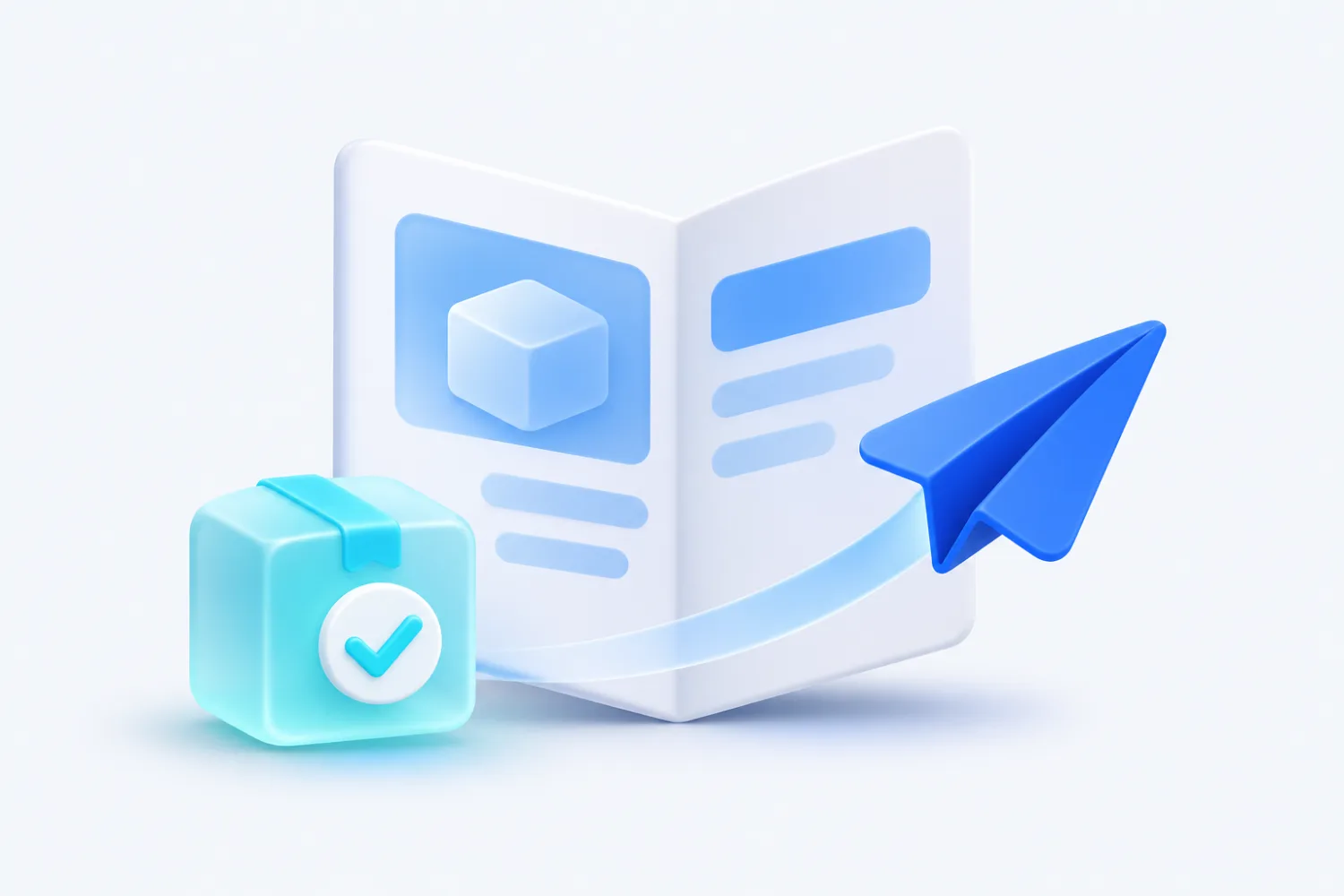
Abstract brochure, paper plane and product package representing relevant product information sent to a customer

Remind people about appointments

Send the appointment details and a reminder, so your team spends less time confirming bookings manually.

Abstract heart in a speech bubble, returning arrow and customer icon representing ongoing customer relationships after purchase

Keep customers updated

Send relevant service or order updates. Use a separate opt-in for promotional follow-ups.

Indian business owner using her phone to check a WhatsApp workflow

Manage WhatsApp automation through ChatGPT or Claude

Ask in plain English to review results or draft changes to supported workflows. Check the proposed update and approve it before it goes live.

Follow up after 30 minutes if the sales team hasn’t replied.

Follow-up rule drafted

Review who qualifies, when the message sends and what stops it.

Stop reminders when a lead books or opts out.

Stop rules prepared

Review the conditions before the automation is updated.

Which follow-ups got replies this week?

Follow-up report

Review sends, deliveries and replies to see what got a response.

Make the brochure message shorter.

New copy drafted

Review the wording. If a new template needs Meta approval, it goes through that step before use.

SETUP & HANDOVER

We set it up with you.You choose who runs it.

Show us how enquiries come in today. We’ll agree what to automate first, connect WhatsApp to your website and CRM, and test the messages and handover to sales.

Once it’s working, we can train your team and hand it over, or keep managing the workflows you want help with.

Implementation specialist and Indian business owner testing a WhatsApp workflow together
  1. Pick the first workflow

    Start with something you do often, such as brochure replies or booking reminders.

  2. Connect your tools

    Link the official WhatsApp Business API, website and lead records.

  3. Test the full journey

    Check messages, timing, replies and when follow-up stops.

  4. Choose who manages it

    Take over with training or keep YagOps involved.

COMPARE YOUR OPTIONS

What does your WhatsApp budget get you?

WhatsApp automation is included in the full growth system, alongside a 3-page template website, unlimited-user CRM and tracking. Compare the complete setup and ongoing costs.

What to compare Standalone WhatsApp software YagOps connected system
Pricing
First-year cost
Check the provider's current subscription, chatbot add-ons, integration services and Meta message charges separately.
₹25,988–₹36,988 first year: ₹14,999 setup, including month 1's system fee, plus 11 further months at ₹999–₹1,999. WhatsApp automation is included.
Setup and day-to-day use
What gets set up
A messaging plan or chatbot add-on. Check which website and CRM integrations and setup services are included.
Website, CRM, tracking and WhatsApp YagOps sets up the connected tools around your sales process.
What can start a message
Check which events your plan supports and what must be connected separately.
Website events and lead changes Use tracked website actions, form submissions and CRM updates for eligible, opted-in contacts.
Who changes the rules
Workflow editors and AI options vary by provider and plan.
ChatGPT or Claude Ask for supported changes in plain English and review them before they go live.
Who runs it after launch
Check what onboarding covers and whether ongoing management is included or quoted separately.
Your team or ours Take over with training, or arrange ongoing management with YagOps.

YagOps example: 3 template pages, self-managed. Setup includes the first month's system fee; only 11 further system-fee payments are included in the first-year total. Before 18% GST; Meta messages, ad spend and optional services are separate.

Talk through my WhatsApp setup

Questions before you set up WhatsApp automation

We start with the workflow that saves your team the most repeated work, such as brochure replies, quote follow-ups or appointment reminders. We test it with you before it goes live.

A phone and open notebook on a blue worktable
A shop owner checking a customer enquiry on her phone
START WITH ONE WORKFLOW

Which WhatsApp task is taking up your team’s time?

Tell us how you handle it today. We’ll explain what we can automate, what needs to be connected, and what the setup and ongoing costs would be.

✓

Less manual follow-up

Routine replies and next steps happen automatically.

✓

One lead record

Conversation context is captured in CRM.

✓

Sales knows what to do next

Qualified leads reach the right person with context.

✓

Easy changes later

Use Claude or ChatGPT to propose updates in plain English.

Talk through my WhatsApp setup